
A screen for visitors you can't convert
Some visitors can't play at your casino because of their country or payment method. The redirect tool shows them operators that can take them, and you're paid for each player you send.
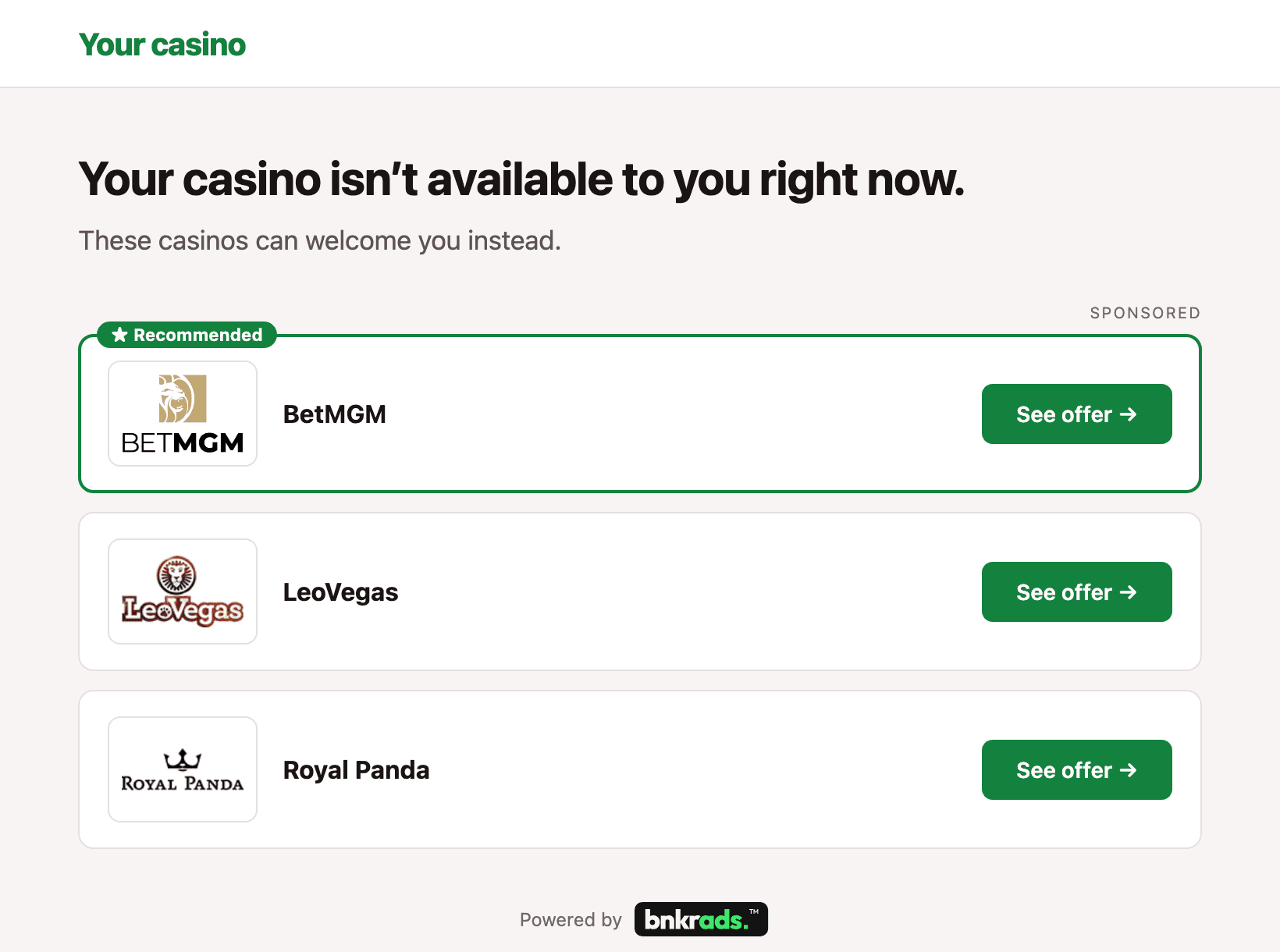
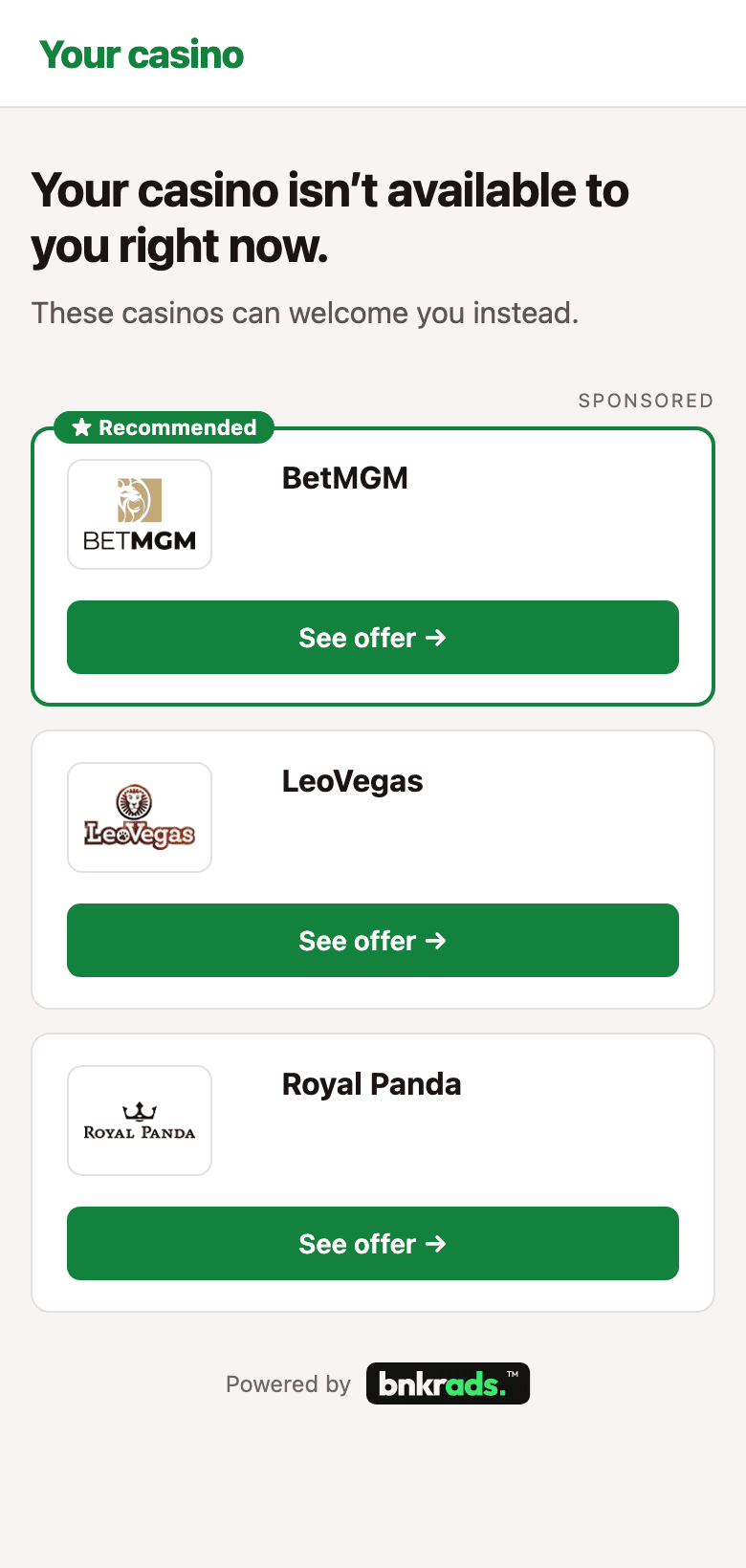
What your visitor seesa screen in your own colours
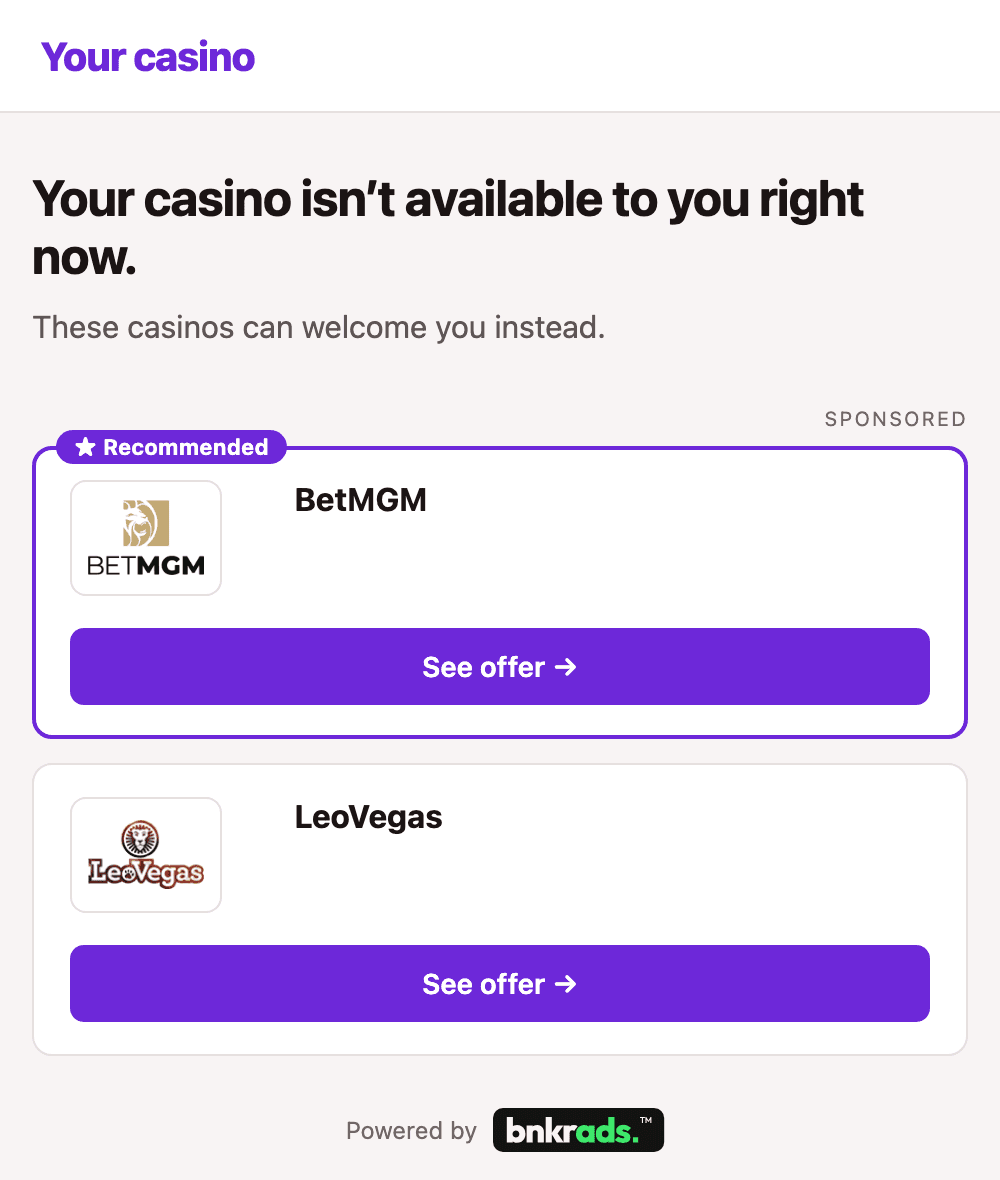
A screen in your own name and colours that lists operators who can take them. Only visitors who match a rule you set see it. Everyone else gets your casino as normal.
What happens to a visitor
Visitor
Arrives at your casino
BNKRads runs on the page, embedded with an iframe.
BNKRads
Checks your rules
By country and by payment method.
Screen
Lists other operators
Shown only when the visitor matches a rule.
Operator
Receives the player
The visitor continues to the operator they choose.
A visitor who doesn't match any rule stays on your casino as normal.
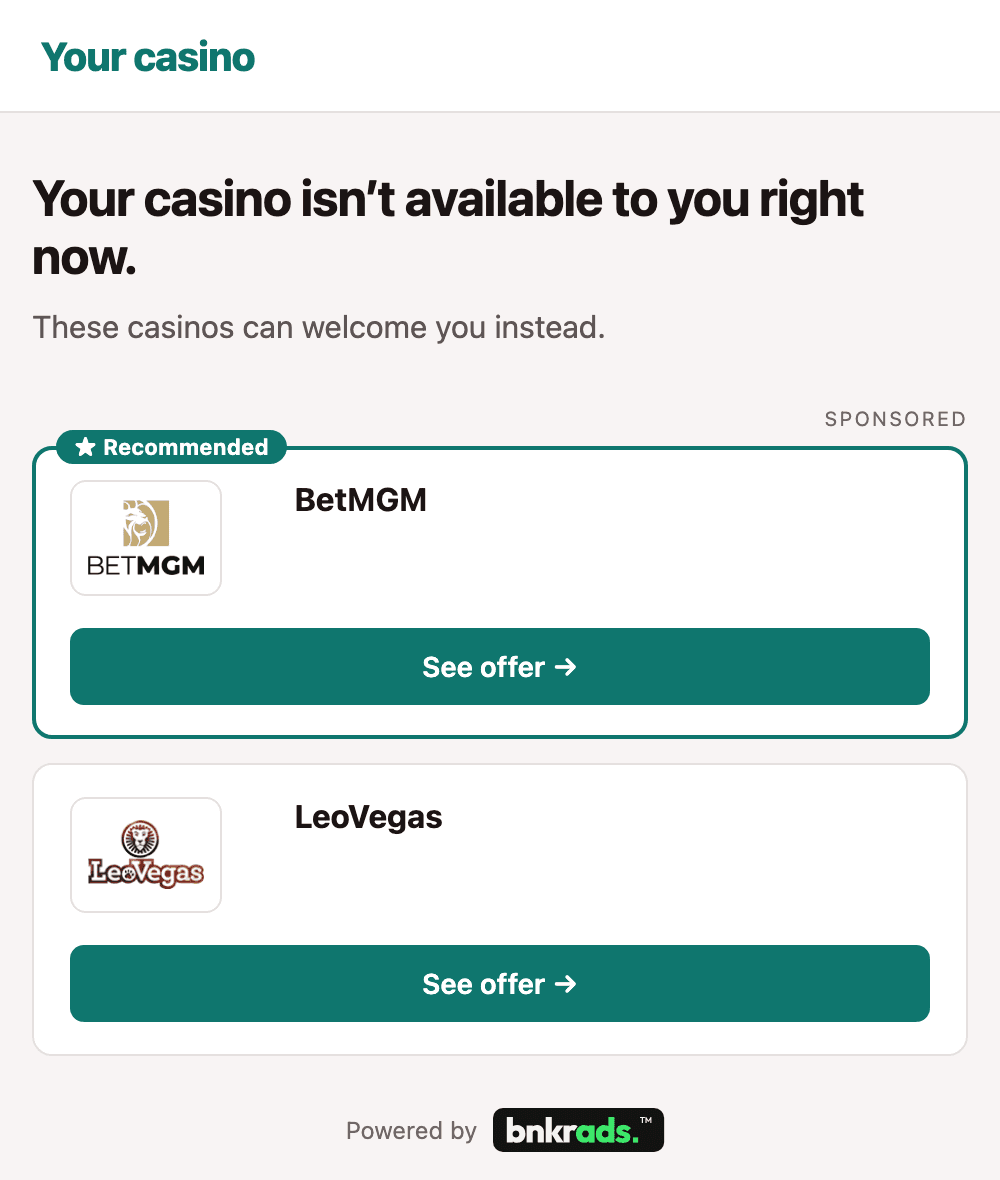
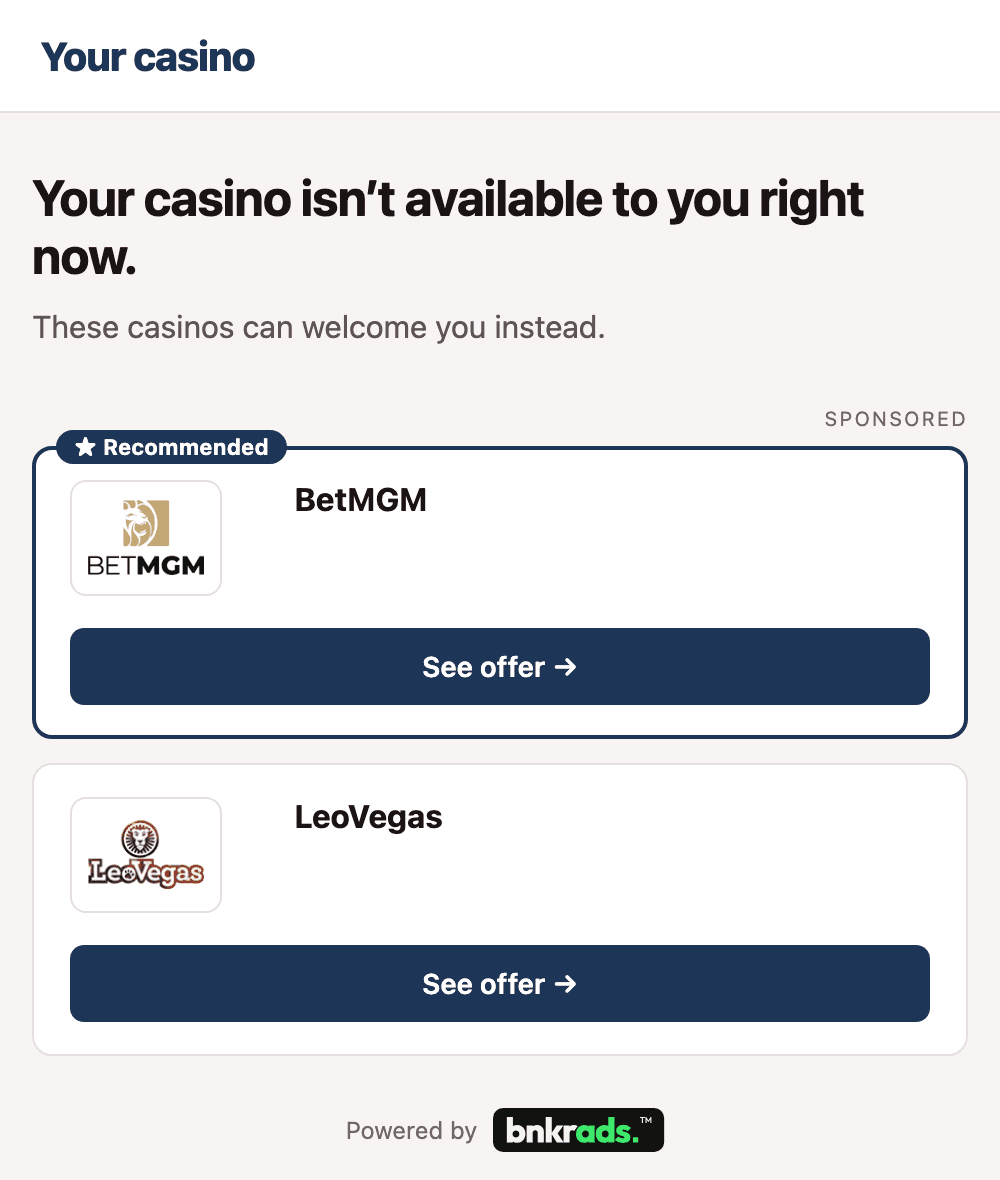
Matches your brand
The screen uses your colours.
Why visitors can't convert
There are two common reasons. Pick the one that matches your traffic.
GEO restrictions
Your licence and the markets you operate in decide which countries you can accept players from. Visitors from other countries can still reach your site.
Payment restrictions
Payment processors and methods don't cover every visitor. Someone who can't deposit with what you offer can't become a player.
What you control
- Zones and rules
- The tool runs on the zone system in our tracking platform, Pingtype. In a zone you set the rules for countries (GEOs), and which visitors are shown the screen.
- Operator selection
- Which operators your visitors are sent to, and which are blocked.
- Branding
- How the screen looks, so it matches your own site.
- Reporting
- Your traffic and your earnings, in the reporting dashboard.
- Integration
- No code is needed. We set it up for you and it embeds on your site with an iframe. A technical integration is available if you prefer one.
When the screen appears
| Visitor | Screen shown | What happens |
|---|---|---|
| Visitor matches one of your country rules | Yes | They see your branded screen of other operators. |
| Visitor matches one of your payment rules | Yes | They see the same screen. |
| Visitor doesn't match any rule | No | They see your casino as normal. |
Setting it up
Tell us about your brand
Send the short form on the operators page with the traffic you can't convert.
Set rules and branding
Choose your country and payment rules, and style the screen to match your site.
Choose your operators
Select the operators you want to send visitors to.
Go live
No code is needed. We set it up for you and it embeds on your site with an iframe. You then follow results in the reporting dashboard.
Questions
Do all of my visitors see the screen?
No. Only visitors who match the country or payment rules you set see it. Everyone else sees your casino as normal.
Do I need developers to set it up?
No. We set it up for you, and no code is needed: BNKRads embeds on your site with an iframe. A technical integration is also available if you prefer one. Book a demo.
How are the operators on the screen checked?
BNKRads verifies every receiving operator's licence before it can receive traffic. Compliance.
How do I get paid?
You receive a fixed fee (CPA) for each player you send. Our team agrees the terms with you when you sign up.
How do I get started?
Tell us about your brand and the traffic you can't convert using the short form on the operators page, or book a demo. For operators.
Put the tool on your site
Tell us about your brand and the traffic you can't convert, and we'll set it up.